Thank you for your purchase!
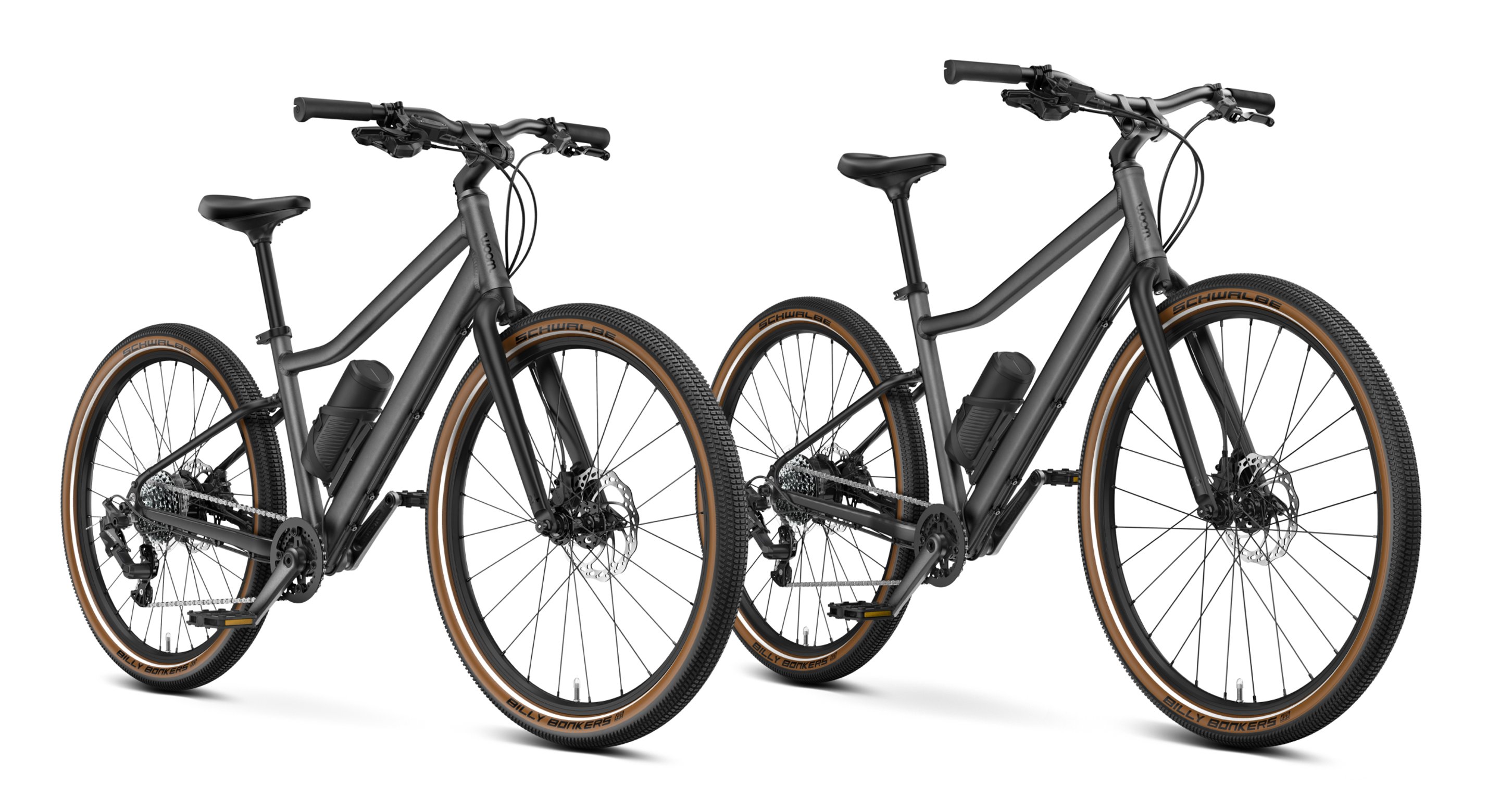
We hope that your child has a lot of fun on their woom EXPLORE e with many unforgettable adventures. Here's where you will find everything you need to know about your child's new e-bike, including useful videos, practical tips, answers to the most frequently asked questions and downloadable instructions.


woom EXPLORE e 5 6
Please note: In this video, our mechanic Martin shows you how to assemble the woom EXPLORE. But all the same steps apply to the woom EXPLORE e too. You just need to insert the charged battery and connect the cable at the end.
Want to find out more about setting up and getting started with your child's new e-bike?
You can access the online version of the instructions for use, including the detailed assembly instructions and the tightening torques required, right here. You can also refer to the extensive product information about the electric drive system provided by our partner MAHLE as well as the handy quick-start guide.
FAQ
Can my child ride the woom EXPLORE e without the battery?
Yes. If your child wants to ride their bike without electric pedal-assist, you can simply remove the battery. Just disconnect the cable from the battery and slide it carefully out of its holder. Do not remove any of the other parts.
What's the range of the woom EXPLORE e?
When the battery is fully charged, your child will be able to cover up to 50 kilometers on the lowest pedal-assist setting. The exact range will vary depending on the terrain, gradient and riding style as well as your child's weight and can therefore vary.
Can I limit or reduce the maximum assistance provided?
Yes, you can adjust the pedal-assist levels to suit your child's needs and capabilities in the MAHLE SmartBike app. You can limit or reduce the assistance provided there – or deactivate it altogether if you prefer.
You can find out more about the MAHLE SmartBike app >>here.
How can my child switch between the three power modes?
You can select the mode you want by briefly pressing the on/off button on the battery. The other option you have is to choose the pedal-assist level in the bike profile in the MAHLE SmartBike app.
Important: The mode should only ever be changed when the bike is at a standstill so your child is not distracted while they're riding.
How do I charge the battery?
Use the energy hub and USB-C cable provided to charge the battery. You'll also need a standard USB charger (at least 60 W, not included). The battery will take around 6–8 hours to charge in a standard socket.
Here's how it works:
- Remove the battery
Take the battery out of the holder. - Charge the battery
Connect the battery plus the USB-C cable provided into a regular USB charger (at least 60 W, not included). Bear in mind that the battery will not charge fully if you use a charger that's not powerful enough. Plug the charger into a socket. - Option: Charge the battery quickly using the MAHLE Active Charger
If you want to charge the battery more quickly and efficiently, you can buy a MAHLE Active Charger from certain specialist retailers. This optimizes the charging time by charging at different intensities (0–4.5 A). Please follow the instructions provided by MAHLE for the Active Charger. - Return the battery to its holder
You can return the battery to its holder as soon as it has finished charging.
How can I check the battery level?
Check the charge indicator on the battery to find out the battery level. There is a bar with 7 LEDs.
- Battery fully charged: The whole LED bar is lit up.
- Battery less than fully charged: The number of LEDs lit up decreases as the battery level drops.
- At least one LED will always be lit up to indicate which of the three power modes is activated.
The LEDs that are lit up relate to the battery level as shown in the diagram here:
Please note:
- 5–10% battery: The system delivers no more than 70% of the stated power output.
- 0–5% battery: The system delivers no more than 40% of the stated power output.
Checking the battery level in the MAHLE SmartBike app:
You can also check the battery level in the MAHLE app. You just need to connect the app to your child's woom EXPLORE e. This will only work when the battery is switched on.
How long does it take to fully charge the battery?
The battery takes around 300 minutes to fully charge. After 250 minutes, the battery will be around 80% charged.
Optional:
Charging is quicker and more efficient with the MAHLE Active Charger, which you can buy from certain specialist retailers. The battery is charged at different intensities (0–4.5 A), which optimizes the charging time. Please follow the instructions provided by MAHLE.
Having trouble assembling your bike? Found a fault? Any other questions?
Please contact our customer service team via the contact form or call us on +43 1 3585803 (the price of the call may vary depending on where you're calling from and your service provider). We're always happy to help!
Which accessories are compatible with the woom EXPLORE e?
You can kit out the woom EXPLORE e with the following accessories:
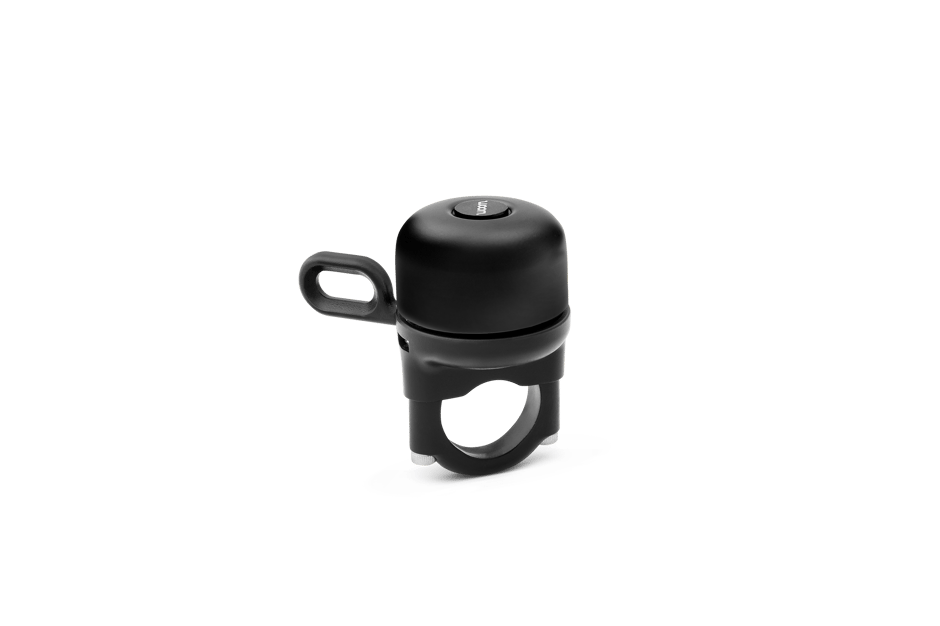
- VIENNA BELL and BING Bell
- SNAP Click-On Mudguards (Please select the right size for your child's bike and be aware that you need a special rear stay to fit the SNAP Click-On Mudguards to the woom EXPLORE e. You will have received this rear stay in the box with your child's woom EXPLORE e. You can also order another one >>here if required.)
- LEGGIE Kickstand (pick the relevant size for your bike)
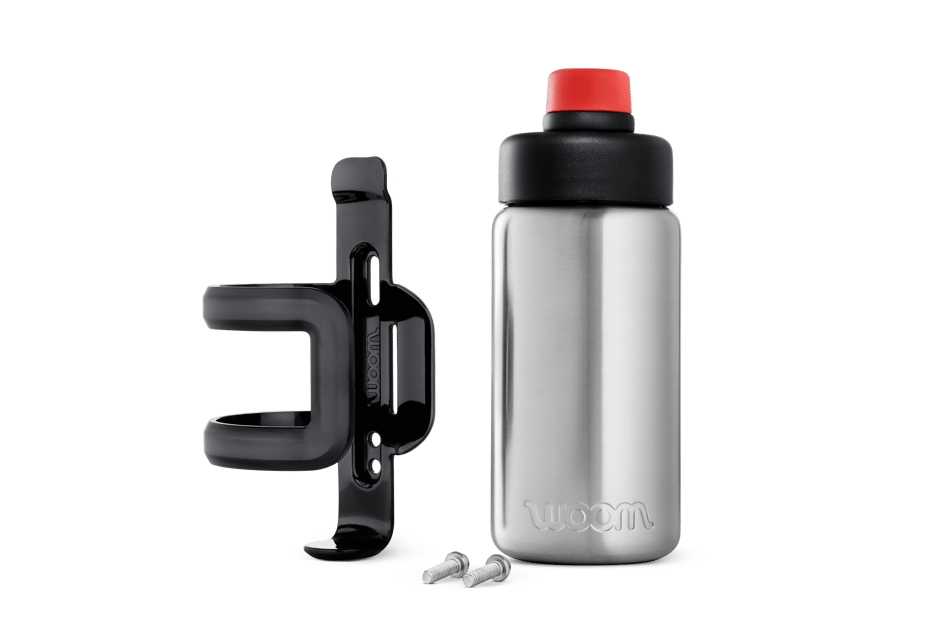
- GLUG Stainless Steel Bottle (for use with or without mudguards)
You'll find all of these items and lots of other compatible accessories in our online shop.
If you need to replace any parts due to wear and tear, you'll find a wide selection of original parts in our spare parts shop, including grips, brake pads and much more. Chip in the paint? We've also got touch-up paint in all colors.
When ordering accessories or spare parts, make sure you pick the correct size.
I want to return our woom EXPLORE e. How does that work?
If you're not 100% satisfied with your woom EXPLORE e, or if you didn't order the right size, you have 30 days to send it back to us free of charge from within the EU. Additional info about our returns and cancellation policy can be found here.
To return your woom EXPLORE e, here's what you need to do:
1. Complete the returns form to register your return with our customer service team.
2. Pack the bike in its original packaging according to the packing instructions which you can find on the back of the return slip. Put the return slip in the box before you seal it.
3. Place the pre-paid return shipping label on the outside of the package. (You'll be sent this from our customer service team after submitting your return request). You can then drop off the package at your local GLS ParcelShop without having to worry about paying any shipping costs.
4. Please email the tracking number on the proof of postage to woom@woom.com so we can track your returned product.
5. After receiving and checking your package, we'll refund the full amount via the original payment method you used when purchasing.
Extend your warranty from 2 to 10 years!
Members of our woom Riders Club have the option to extend their warranty on aluminum frames, rigid forks, handlebars, stems and cranks to 10 years for free.
Handy video tutorials
Watch these videos to find out how to kit out your woom EXPLORE e with compatible accessories.
Please be aware that you need a special rear stay to fit the SNAP Click-On Mudguards to the woom EXPLORE e. You will have received one in the box with your child's e-bike. Find out how to fit the stay properly >>here.
These products are compatible with your woom EXPLORE e:
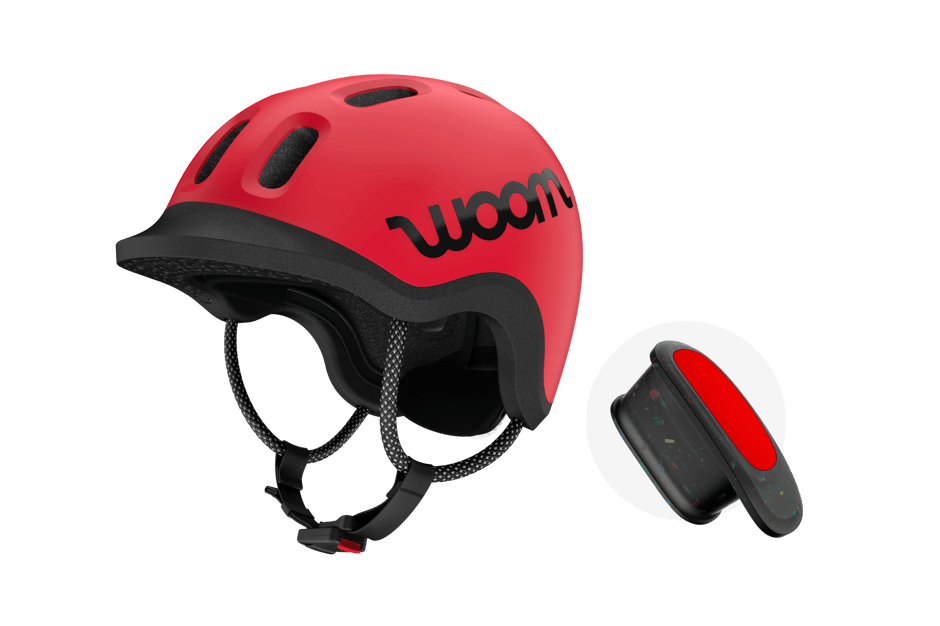
READY to ride! We've bundled up our READY Kids' Helmet and rechargeable READY Helmet Light to make sure kids aged 1 to 14 stay safe and visible on their outdoor adventures. Choose a color, select a size and you're good to go! The helmet light is compatible with the READY Kids' Helmet in every size.
46–50 cm (XS) | 50–53 cm (S) | 53–57 cm (M)
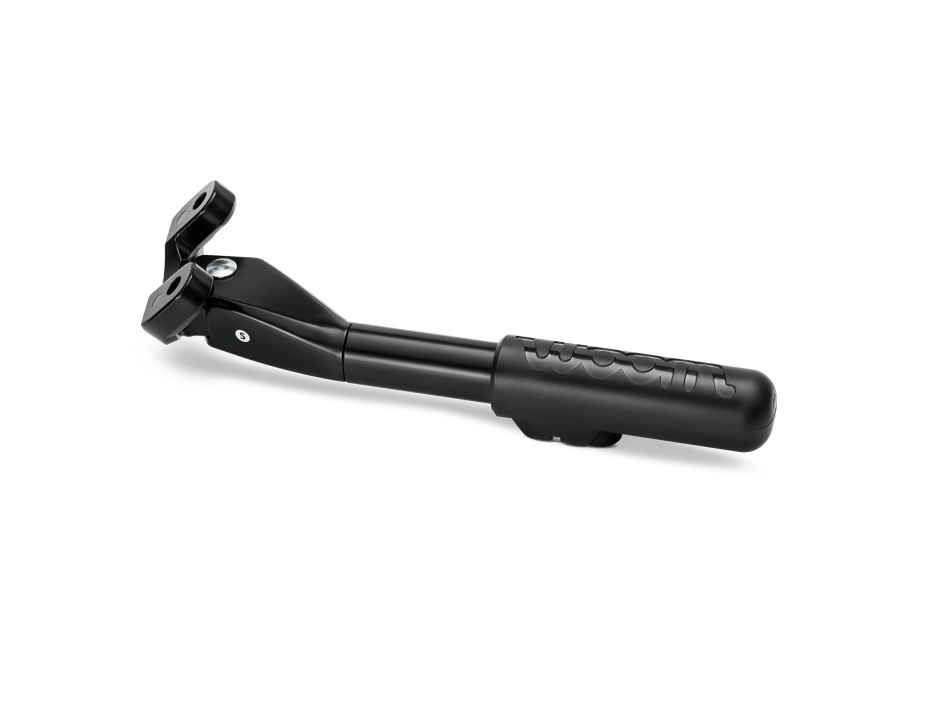
Our innovative LEGGIE Kickstand is compatible with all woom ORIGINAL/GO/EXPLORE/OFF/OFF AIR/UP bikes (except the woom ORIGINAL/GO 1). It is NOT included when you buy one of our bikes.

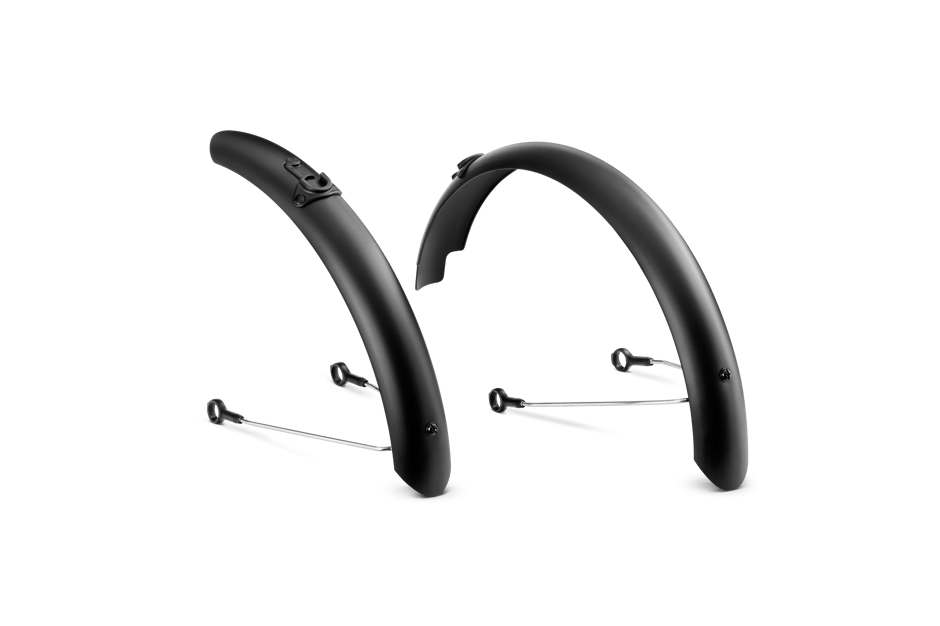
Our mudguards designed for the woom EXPLORE and woom GO/ORIGINAL bikes with 14" to 26" wheels provide maximum water protection from road spray and puddles, and are easy to mount and remove.

Our premium stainless steel bike water bottle holds 500 ml, is easy to clean and won't leak.

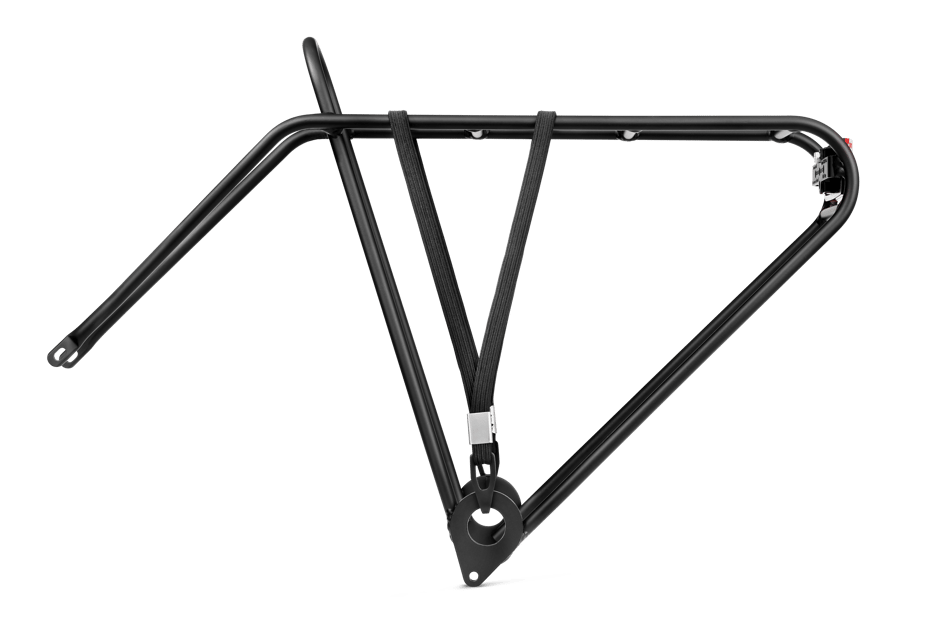
This lightweight yet robust rack for the woom ORIGINAL, woom GO, woom EXPLORE and woom NOW is easy to mount and comes with an integrated reflector.
Please check the compatibility of your woom bike. For more details on sizing and compatibility, please consult the product description below.
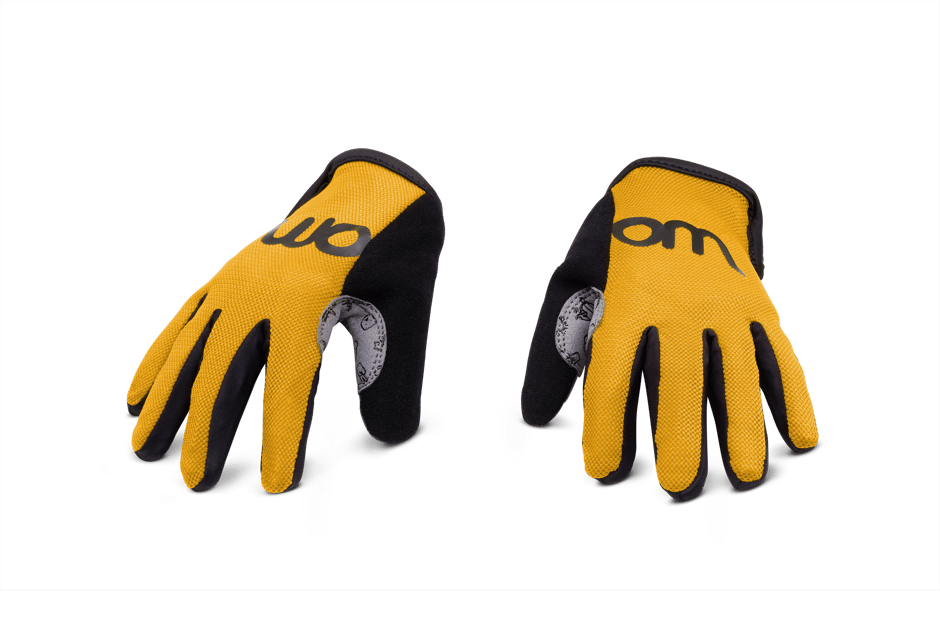
Our breathable cycling gloves designed to be easy for kids to put on, ensuring maximum grip on the handlebars and providing optimum protection for delicate little hands.
Sizes: 11,5 cm (5) | 13,5 cm (6) | 14 cm (7)

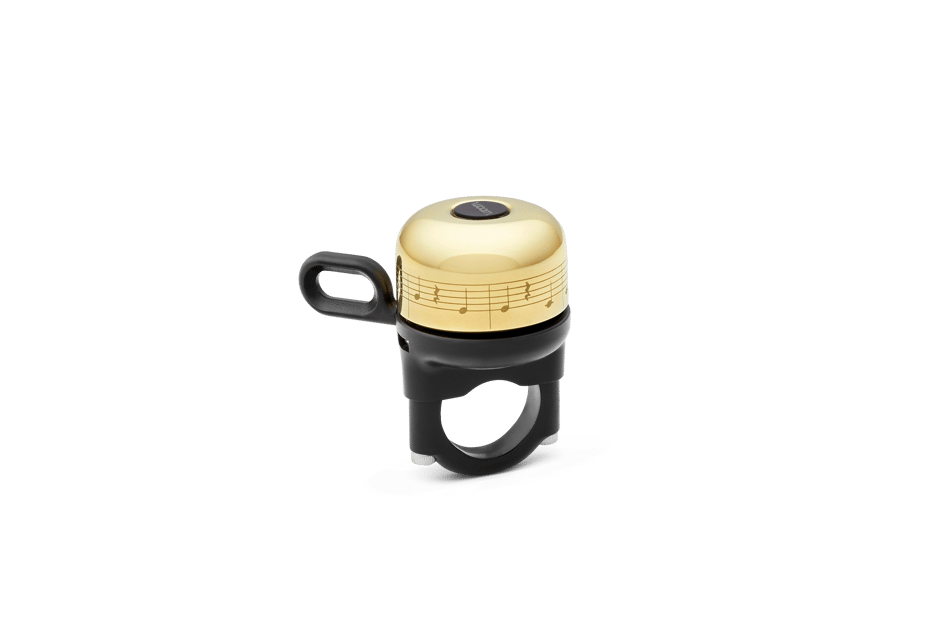
Our premium brass bike bell is easy to use and ensures a strong and clear sound.

Our premium aluminium bike bell is easy to use and ensures a strong and clear sound.
Haven't found what you're looking for?
If you still haven't found the answer to your question, we'll be happy to help you.